
The Razer Reclusa Mini 65% is the kind of keyboard that makes sense the longer you spend with it. It has the Hall effect features gamers want, a compact layout that still keeps the arrow keys, and wireless connections that make it easier to use for everyday work.
It also has mint-green keycaps. I have thoughts.
After using the Reclusa Mini 65%, I came away liking it more than I expected. The switches feel good, the typing sound is pleasant for a gaming-focused Hall effect board, and Razer made one particularly smart decision with the knob. But the keycaps, a little spacebar rattle, and a $129 price give me a few things to complain about.
Check the Razer Reclusa Mini 65% on Amazon
Affiliate disclosure: This article contains an affiliate link. If you buy through it, I may earn a commission at no additional cost to you.
A 65% layout for gaming and productivity
The Reclusa Mini 65% sits in an interesting spot between a compact gaming keyboard and a daily driver. You get a smaller board that leaves more room on the desk, but you still have dedicated arrow keys and a few navigation keys on the right.
The tradeoff is the missing function row. If you use F-keys constantly for work, games, or creative applications, you’ll need to decide whether you’re comfortable using a function layer instead. The same goes for anyone who needs a number pad within reach all day.
For me, the layout makes sense for someone who wants one keyboard for both gaming and general use without committing to a larger board. It’s small, but it doesn’t feel quite as stripped down as a 60% layout.
Wired, wireless, and one dongle for two devices
The Reclusa Mini 65% has three connection options: wired USB, 2.4 GHz wireless, and Bluetooth. It also supports three Bluetooth device connections, which is useful if your desk includes more than one computer or you regularly switch between devices.
The included wireless dongle can also connect a compatible Razer mouse alongside the keyboard. That’s a small feature, but I appreciate anything that stops me from plugging another dongle into an already crowded setup.
There’s a magnetic storage spot for the receiver on the underside of the keyboard, too. It holds the dongle securely, which makes it less likely to disappear the moment you take the board somewhere.
One detail matters if you’re buying this for competitive gaming: the review shows a 1,000 Hz polling rate over wireless and up to 8,000 Hz when wired. If you want the higher wired polling rate, you’ll need the cable. If you’d rather keep the desk clean, wireless is there.
Hall effect switches and gaming features
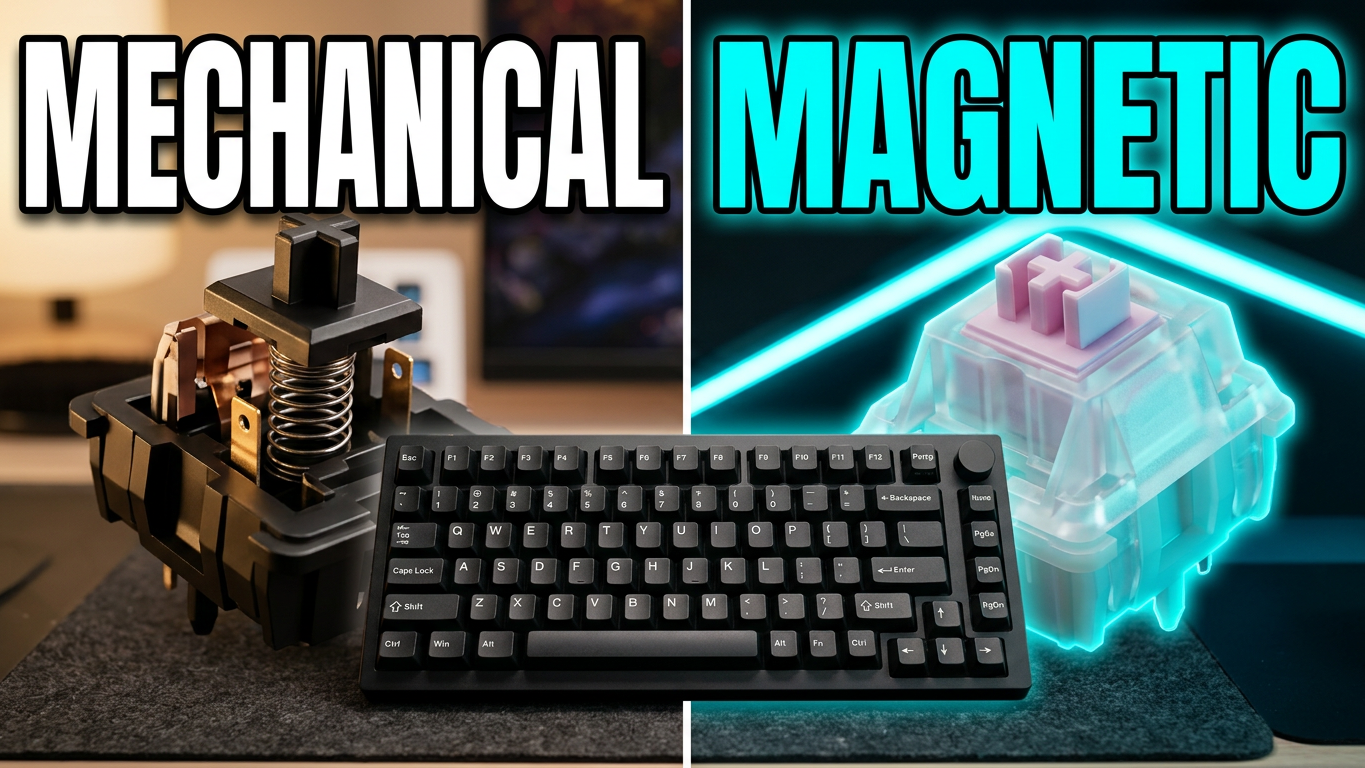
The Reclusa Mini 65% uses hot-swappable magnetic Hall effect switches. They have a light feel, with the review identifying a 40-gram actuation force, and I found them pleasant to use.
Razer includes the gaming features you’d expect from a modern Hall effect keyboard. There’s adjustable actuation, Rapid Trigger, Snap Tap, and other input settings in the software. The board can also use different inputs at different points in a keypress, and it has gamepad settings for analog-style input.
How much any of that matters depends on what you play. If you enjoy tuning actuation or want quick key resets for competitive games, there’s plenty to explore. If you mostly type and play games casually, the important part may simply be that the switches feel nice and the keyboard works well without making you dig through every setting.
The hot-swap support gives you another way to change the feel, though you’ll want to check switch compatibility before buying replacements. Magnetic Hall effect keyboards don’t necessarily accept every standard mechanical switch.
The knob is such a simple, good design
I need to talk about the knob.
On a lot of compact keyboards, a knob sounds great until you try to use it and your fingers keep bumping into the surrounding keys. Razer raised this one above the keycaps, so you can actually get a grip on it and turn it.
That’s it. It’s a simple fix for an annoying problem, and I wish I saw it more often.
The knob also has a tactile feel and can be remapped. It’s one of those features that seems minor on a spec sheet but makes the keyboard nicer to live with every day.
The keycaps are where Razer loses me
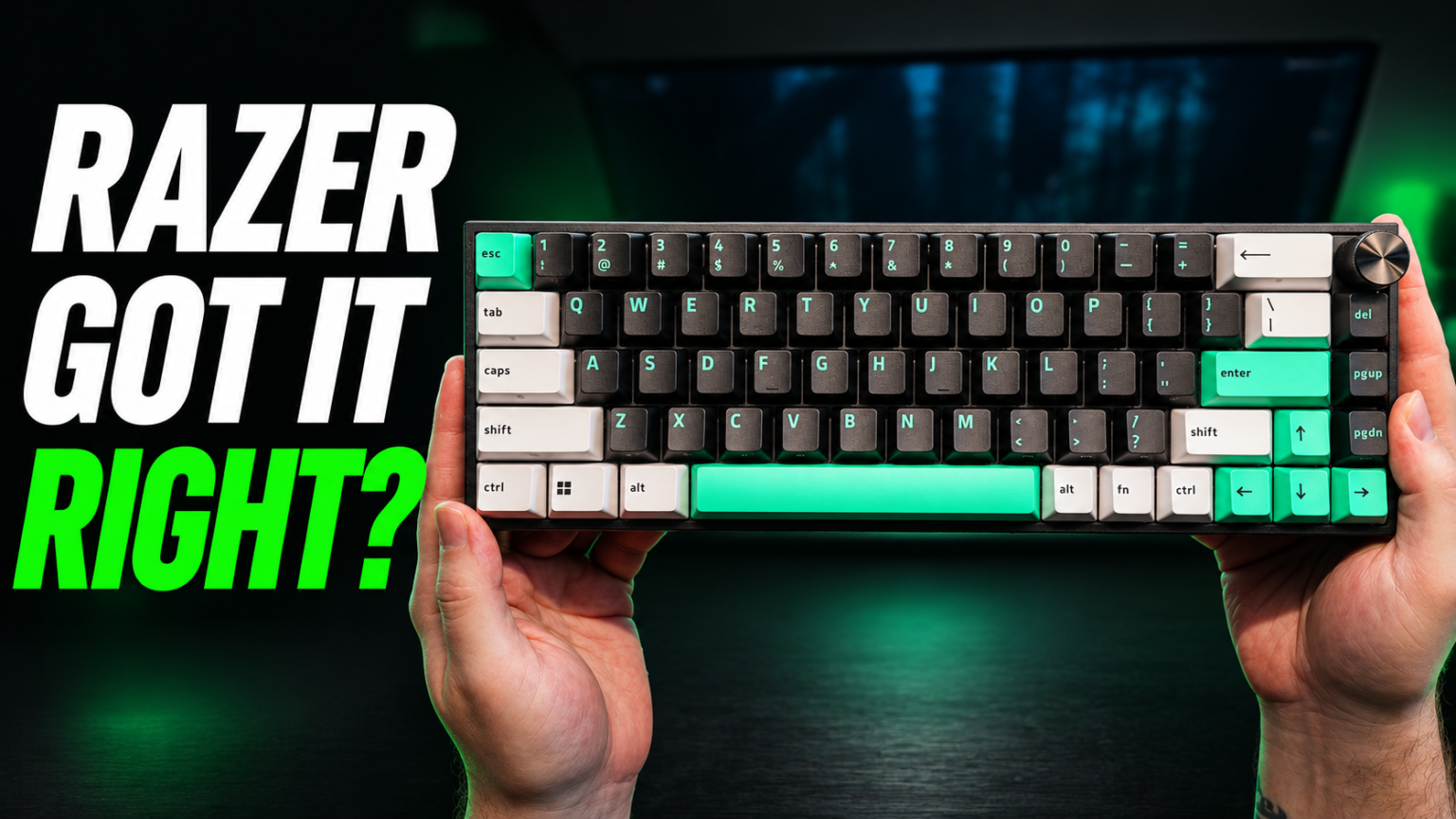
The Reclusa Mini 65% comes with double-shot ABS keycaps in a three-tone black, white, and mint color scheme. Razer is known for green, so I understand the idea of giving the board a little color. This particular mint, though? I’m not a fan.
That’s subjective, obviously. If you like the look, great. You get a keyboard with some personality straight out of the box. For me, the color doesn’t match the Razer green I associate with the rest of the company’s accessories, and the legends around the sides of the keys make things look a little busy.
I would have liked to see alternate keycaps in the box, even if they were just a few black replacements for the mint accents. The good news is that you can change the keycaps yourself if the stock look bothers you. Budget for a compatible set if that’s your plan.
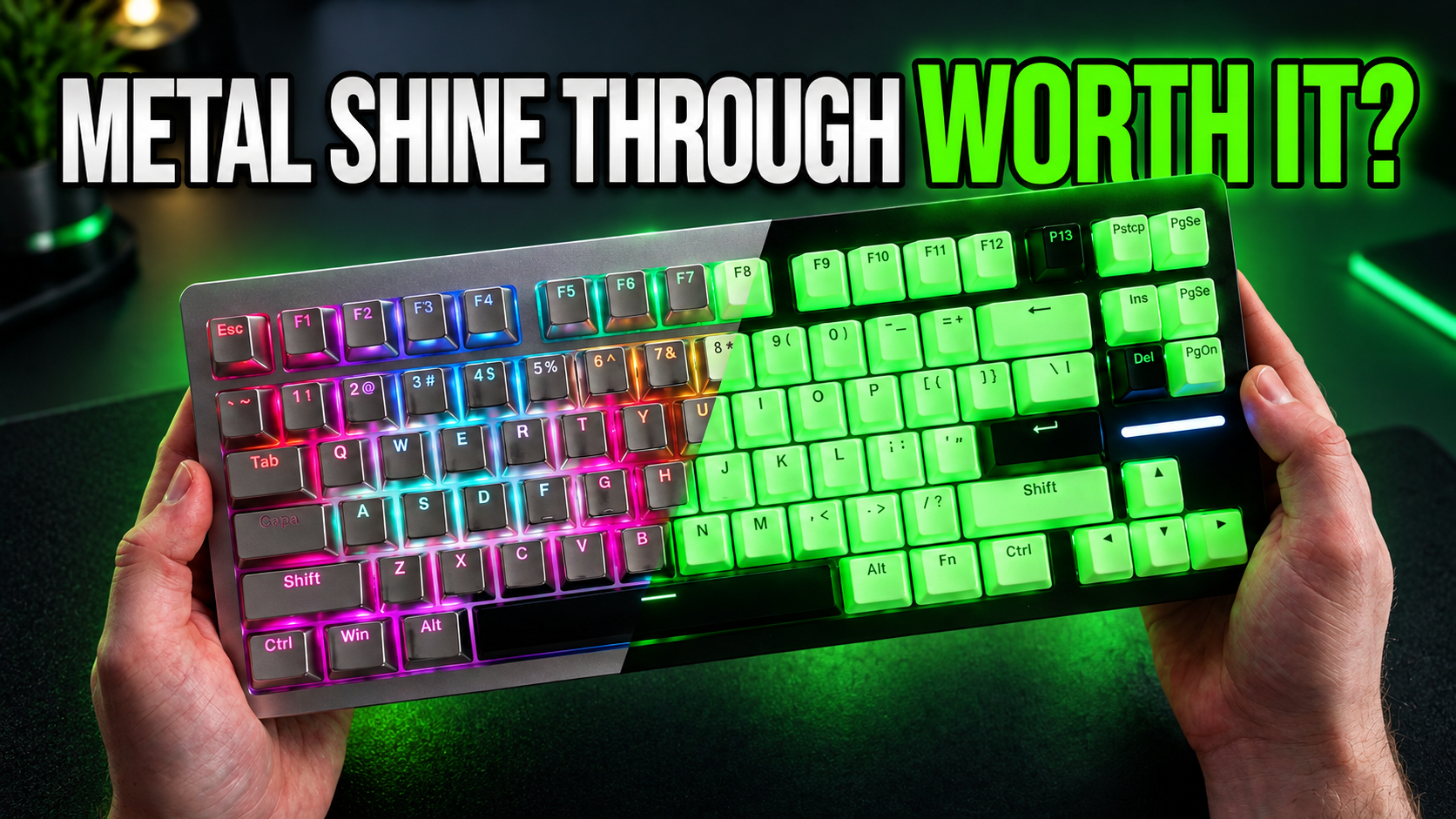
The keycaps also aren’t shine-through, which affects how much you see of the RGB lighting when you’re typing in the dark.
Typing sound and the spacebar

For a Hall effect gaming keyboard, the Reclusa Mini 65% feels and sounds good. The board has a plastic case with internal sound-dampening materials, and the result is pleasant enough that I enjoyed using it.
Plastic doesn’t automatically mean a bad keyboard. I use the plastic case on my Wooting at times because I prefer the sound, so I’m not going to dismiss the Reclusa just because it isn’t metal.
There is some rattle on the right side of the spacebar on my unit. It’s noticeable in the sound test and worth mentioning if you’re sensitive to stabilizer noise. The rest of the typing experience left a better impression.
Sound is personal, and a video recording will always depend on the microphone and setup. Listen to the sound test in the review before deciding whether the board has the sound you want.
RGB and software
The RGB is there, but it isn’t the star of the show. With the lights off in the room, the lighting is visible around the keys, though the solid keycaps don’t let light through their legends. I like a brighter RGB setup, so I found the result a little underwhelming.
Razer Synapse gives you access to the keyboard’s actuation settings, gaming features, lighting controls, calibration, and profiles. The keyboard also has five onboard profiles, which is useful when you want to switch configurations without rebuilding everything.
The software itself works well once you’re in. My annoyance was the setup: installing the keyboard in Synapse required a computer restart. For a keyboard setup, that felt unnecessary.
Synapse can also feel a bit bloated. The review mentions a web-based software option if you’d prefer to look at that, while more advanced lighting effects require the separate Razer Chroma software. I decided I could live without installing another thing just to play with the lights.
Is the Reclusa Mini 65% worth $129?
At the $129 price discussed in the review, the Reclusa Mini 65% has some serious competition. The Wooting 60HE came up during my review as an alternative at a higher price, and it makes the decision less straightforward if your main priority is a gaming-focused Hall effect keyboard.
But the two boards don’t have identical layouts or the same approach to connectivity. The Reclusa gives you 65% keys, a raised knob, and wireless options. If those are high on your list, they can matter more to your daily experience than picking a board on gaming features alone.
The Reclusa also makes sense if you’re already in the Razer ecosystem and can use the shared receiver with a compatible mouse. Based on my experience with Razer products, I also value having a familiar company and warranty behind the purchase.
Still, I’d feel better about the value at a lower price. If you find it on sale, the decision gets easier. At full price, I’d compare it with other Hall effect keyboards and decide how much you value the wireless connection, layout, and software.
Who should buy it?
The Razer Reclusa Mini 65% is a good fit if you want a compact keyboard that can handle gaming and productivity, especially if you want Hall effect features without giving up wireless connectivity.
I enjoyed using it. The switches feel good, the software has the settings I want, and that raised knob is a win. The shared wireless dongle is another practical touch for a Razer setup.
I’m less enthusiastic about the stock keycaps, the muted RGB, and the price. The spacebar rattle on my unit is worth hearing for yourself, too.
If the 65% layout and wireless features appeal to you, this is a board worth considering. Just decide whether you can live with the mint. I’m still working on it.